Key Stage 2
WeDo 2.0
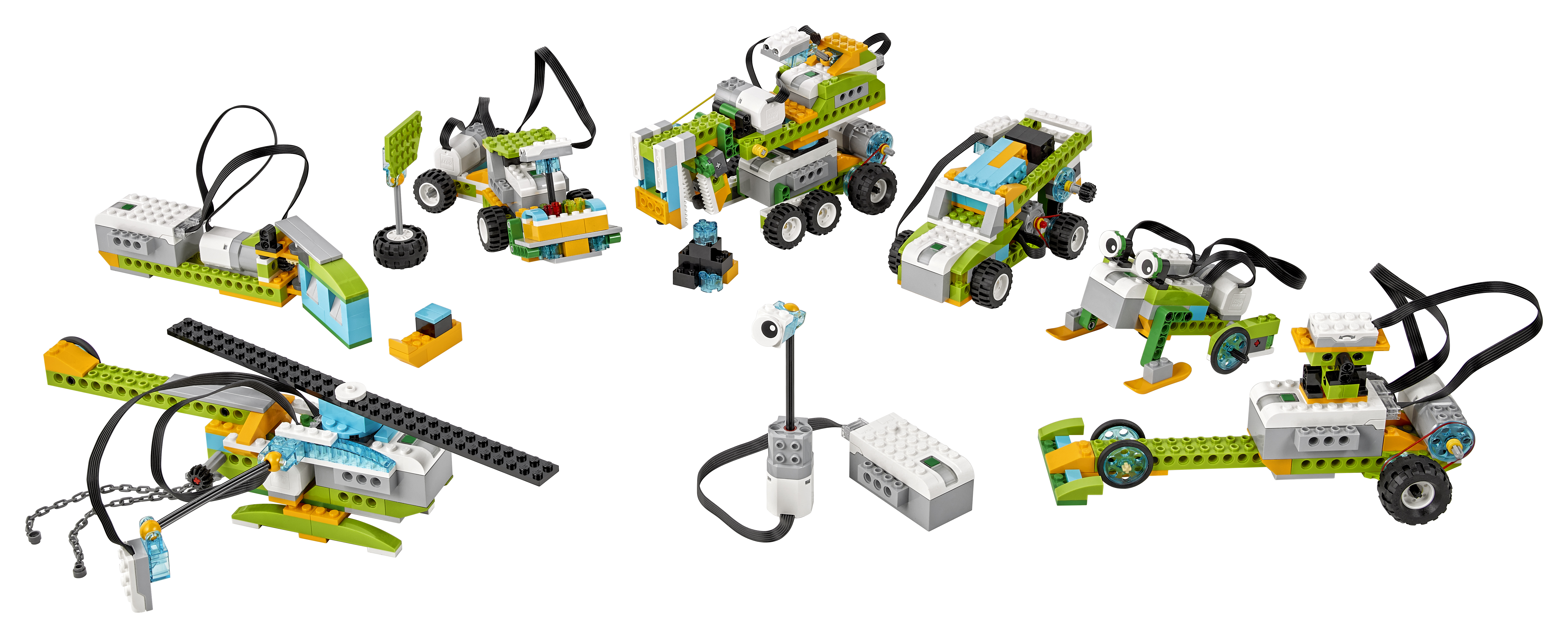
With WeDo 2.0 your KS2 pupils can gain a deeper insight into science and computing, our workshops are engaging and high impact sessions. The hands-on tools encourage students to get involved in science exploration by asking questions, analysing data and communicating their findings.
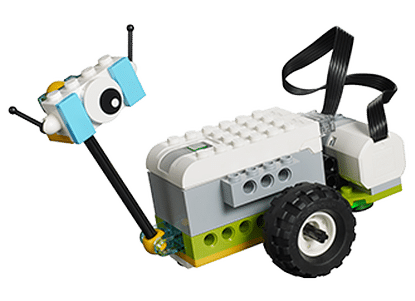
The sessions cover real science practices linked to the National Curriculum, including gathering evidence, carrying out investigations and designing prototypes. WeDo 2.0 features wireless technology, a built-in documentation tool along with a programmable SmartHub, enhanced motors and sensors and an all-new lineup of LEGO® elements.

We tick your boxes
Digital Competency Framework
Citizenship
Identity, Image and Reputation
Identify the benefits and risks of giving personal information and device access to different software.
Talk about the impact that the digital content created can have e.g. think critically about the information shared online. Be aware of appropriate and inappropriate text, photos and videos and the impact of sharing these online.
Know that it is important to discuss their use of technology with an adult.
Identify secure sites by looking for their privacy policies and privacy seals (symbols/logos) of approval e.g. https, padlock icon.
Health and Wellbeing
Identify the positive and negative influences of technology on health and the environment e.g. consider the different ways free time is spent and begin to find the balance between active, learning and digital activities.
Digital Rights, Licensing and Ownership
Recognise watermarks and copyright symbols e.g. recognise watermarks on a variety of media, know the reasons for using watermarks and explore how watermarks can be added to the different software.
Cite all sources when researching and explain the importance of this e.g. create simple lists for the referencing of digital and offline sources.
Producing
Planning, Sourcing and Searching
Plan work independently before beginning the creative work.
Extend strategies for finding information. Store previous searches and information for future use e.g. reference through hyperlinks and bookmark a website.
Creating
Independently use a range of software to produce and refine multimedia components
Learners will independently combine a range of text, image, sound, animation and video to produce an outcome for a selected purpose. They will use software tools to enhance the outcomes for specific audiences.
Evaluating and Improving
Explain reasons for layout and content of own work e.g. evaluate the presentation for audience and appropriateness.
The output is appropriate for the specific purpose.
Comment on basic reasons for layout and content
Invite feedback/responses from others
Create groups and share work between them to allow review of work.
Interacting and Collaborating
Communication
Show an understanding of the advantages and disadvantages of different forms of communication and when it is appropriate to use each
Exchange online communication making use of a growing range of available features
Collaboration
Work with others to create an online collaborative project for a specific purpose, sharing and appropriately setting permissions for other group members e.g. editing, commenting, viewing.
Data and Computational Thinking
Problem solving and Modelling
Explain how programs run by following a sequence of instructions exactly and in order.
Demonstrate how an algorithm is useful for representing a solution to a problem through testing e.g. solve a problem using an algorithm to explain.
Represent a solution symbolically e.g. the order of waking up, through a diagram or flowchart. Find the variables in the solution.
Detect and correct mistakes in sequences of instructions e.g. identify mistakes in a solution that would case it to fail
Identify repetitions or loops in a sequence e.g. identify where to shorten a set of instructions by repeating steps, for instance when learning a new song.